

Original Video #
Intro #
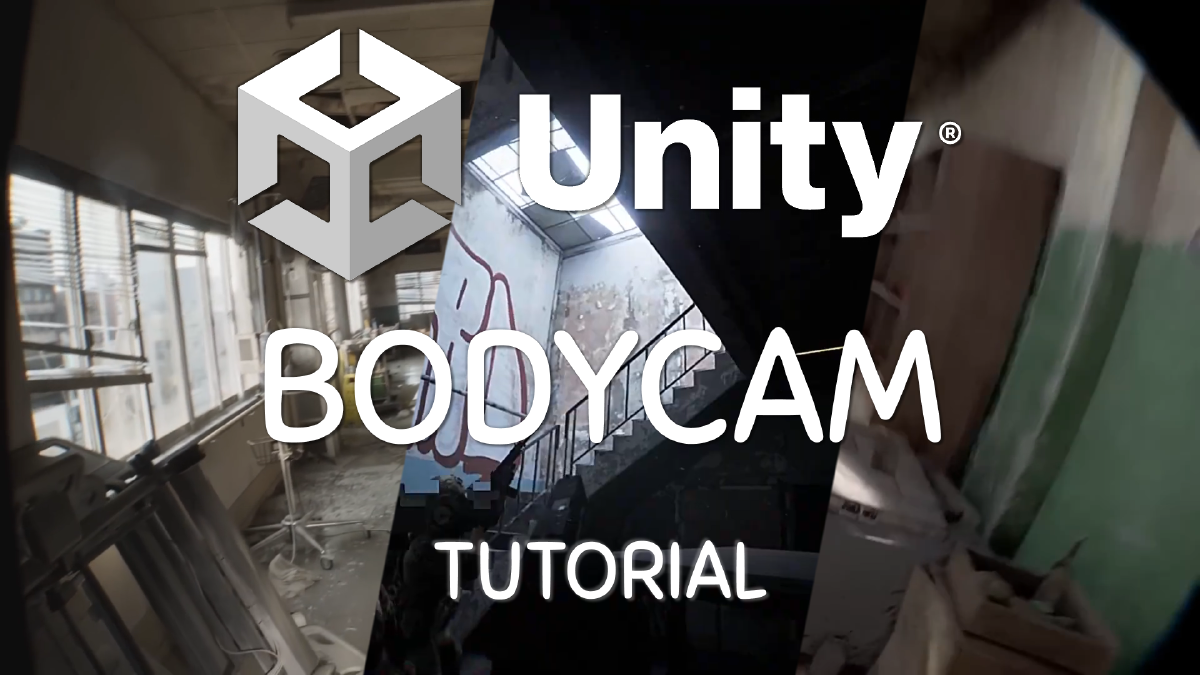
Hello, today we want to discuss the question on if you should switch to UE5 if you want to make a hyper realistic body cam game like unrecorded, as well as a tutorial on how you can turn a normal HDRP scene, into this bodycam game with just adding a few things.
The games like Unrecord, Lost Fragment, body cam or Paranormal Tales have one thing in common, There are made with the Unreal Engine 5. And maby you think, if you want to make such a hyper-realistic body cam game, you need to switch engines. But do you really need UE5 or could you also make these type of games using unity?
I’ve used both engines for quite a while, but I’m way more experienced in Unity. Most people say, that you can achieve better graphic using UE5, but is that really true? Out of the box, yes. Unreal engine has Lumen and Nanite wich are two very impressive Technologys.
Nanite #
Nanite eliminates the need for LOD’s wich means, you only need to have one high Polycount 3D model, and the further you go away from it the less Polygons are rendered.
Lumen #
Lumen is a real time global Illumination and reflection system. It can make use of Software and hardware ray tracing, and is also highly performant.
Unity #
In Unity, you’ll need to create multiple models known as Level of Details. These include LOD 0, which has the highest detail and as you move farther away from an object, lower LODs with fewer polygons are used, making rendering easier for the graphics card.
lumen can also be replaced in unity static objects can be baked that means the Light is precomputed on your machine, wich increases performance and quality. id you have non-static objects, real-time global illumination or ray-tracing are available as alternatives to Lumen.
With the unity High definition render Pipeline, we can also create stunning visuals like in UE5, it just takes a bit more time, but unity is constantly working on new tools, to make the workflow easier.
Bodycam #
With that knowledge, we know that we can build such hyper-realistic games also in Unity, but how?
Tutorial In unity, we can start by creating an HDRP project for the best visuals. Import a first person controller package, im using the Modular first person controller from jeCase I tweaked the head bob a bit, deactivated the cross-hair and builded a small world with pro-builder and a few models to fill out the scene
With that we can start analyzing what all the body cam games have in common. The first and most important thing is the fish-eye lens, you can see what i mean by looking on paranormal tales, even though i find it a bit too much.
Fisheye Lense #
To add this to our game we need to go to our Global volume and simply add Lense Distortion. we need to change the intensity and scale. for the intensity a value between .3 and .6 works great and for the scale i would use eater 1 or a value close to one like .9 If we look at this tile wall for examle, we can see the fisheye effect in action.
Vignett #
another thing all the bodycam games have in common is a vignette. some games use a 3d model packed infront of the camera, but were gonna use the post processing effect. start by adding a vignett in the global volume and change the values as you like. i’ve choose a very hard and edgy vignett but there are no perfect settings, some games use round ones, some games have hard edges it all comes to your personal preference. We also can animate this vignett by changing the 2 offset values. like ive done here.
Lens flare / dirt / bloom #
Lens flare, Lens dirt and bloom are also 3 very important keys to a bodycam game. lens flares are the things we see when looking into the sun with a camera, we could add a Lenfflare Srp to our sun, but its more work and fits more into stylized games. the variant were gonna use is by adding screen spaced lensflare onto our volume, we can change the settings a bit, and when we now look into the sun it looks way cooler.
Also add a bloom effect to your volume, you need to find the perfect settings, for it not to be too bright or too dark. Then go to the package manager and download the lens dirt samples from the hdrp package. in the bloom setting change the lens dirt intensity to 1, 2 or 3 and look wich of the four textures you like the most, this also adds much of that bodycam style to our game, because real camera lenses are also a bit dirty most of the time.
depth of field #
also you can add a depth of field, to blur out things close to you like a gun for example in this bodycam trailer.
you could add a film grain if your going for a more vhs type of bodycam game, but maby give the players an option to turn it off otherwise some people maby getting headaches The same goes for Motion blur, most people dont like it but it fits great in some games.
last but not least you can also consider rendering the game at a lower resolution like lethal company.
Conclusion #
In conclusion, while Unreal Engine 5 offers impressive features like Nanite and Lumen, Unity HDRP is a powerful alternative for creating hyperrealistic games. With the techniques demonstrated in this tutorial, you can achieve stunning visuals comparable to those seen in games like ‘Unrecord’ Unity continues to evolve, offering new tools to streamline the workflow and push the boundaries of visual fidelity
Thank you for watching! I hope you found this video helpful. Remember to like, and subscribe for more content like this.